

I use multiple AI models every day. Claude for code. Gemini for quick queries. Sometimes I want Opus for deep reasoning, sometimes Haiku for fast responses. Sometimes Flash for something lightweight.
I found myself starting Claude CLI for single small prompts all day. Just quick calls, fire and forget.
The old way:
Start Claude. Type my command. Or start Gemini. Type my command. Different tools for different models, every single time.
So I spent an afternoon building llm-cli. A tiny Go wrapper that gives me one simple interface for everything.
Here’s a quick demo:
See it in action on asciinema if the video doesn’t load.
I have multiple AI CLIs installed, each with different model naming conventions. I wanted one unified interface that could handle everything through simple aliases.
I just wanted to type llm-cli opus "prompt" and have it work.
The Solution
llm-cli is a simple wrapper. That’s it. You call it with a model alias and a prompt, it routes to the right underlying CLI.
The new way:
# Simple aliases for everything
llm-cli haiku "what is 2+2?"
llm-cli opus "explain quantum computing"
llm-cli gemini "translate hello to spanish"
llm-cli flash "quick summary"
One command. Easy aliases. No way I could remember claude-opus-4-5-20251101 anyway.
Features (That I Actually Use)
Model Aliases
Instead of typing claude-opus-4-5-20251101, just type opus. Instead of gemini-3-flash-preview, just type flash.
Unified Interface
Same command structure whether you’re using Claude or Gemini models. You don’t have to remember which CLI handles which provider.
Config File
Run llm-cli once and it generates ~/.llm-cli/models.json with all the defaults. Add your own aliases. Change the default model. Remove models you never use.
Session Management
By default, sessions are stored centrally in ~/.llm-cli/sessions/. Set run_on_current_directory to true to store sessions in your current directory instead. This is useful for project-specific conversations that you can resume with claude --resume.
When running in current directory mode, the CLI gets access to files in that directory. This means if you run it from your project folder, it can read those files as part of the conversation.
For example:
# From your project directory (with run_on_current_directory: true)
llm-cli opus "show me the content of test.md"

# The content of `test.md` is:
# llm-cli is great
Use the -t flag to temporarily run in temp/sessions mode, where files in your current directory aren’t accessible:
llm-cli -t opus "show me the content of test.md"

# The file `test.md` does not exist in the current directory (`~/.llm-cli/sessions`).
Configure the default behavior in ~/.llm-cli/options.json:
{
  "run_on_current_directory": false
}
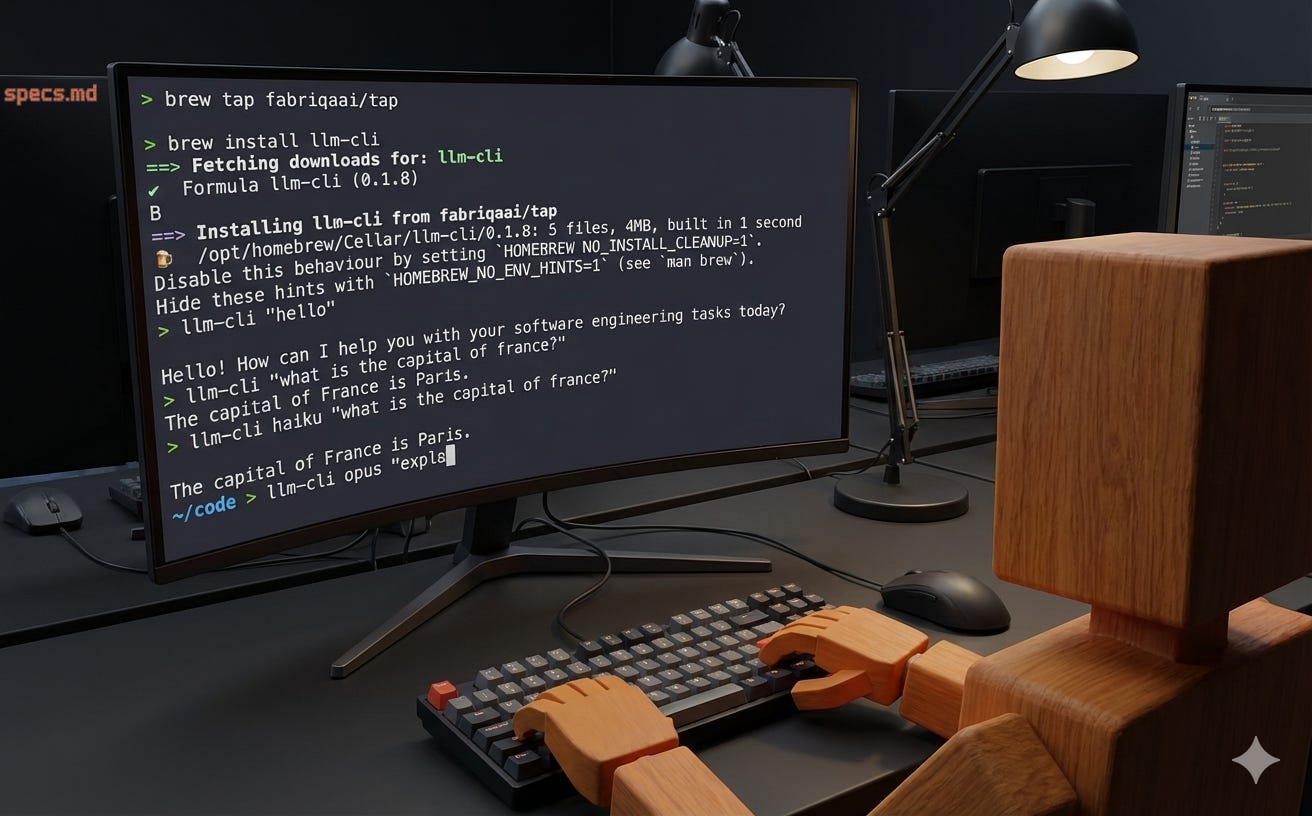
Getting Started (Literally Two Commands)
brew tap fabriqaai/tap
brew install llm-cli
That’s it. Run it once to generate default configs, then customize if you want:
llm-cli "hello"
# Now edit ~/.llm-cli/models.json
Or from source:
go install github.com/fabriqaai/llm-cli@latest
Usage Examples
# Simple prompt with default model (haiku)
llm-cli "what is the capital of france?"

# Use a specific model alias
llm-cli opus "explain go interfaces"
llm-cli sonnet "write a python function"
llm-cli gemini "what is 2+2?"
llm-cli flash "translate hello to spanish"

# Using flags
llm-cli -m opus -s "You are a Go expert" "how do I use interfaces?"

# List all available models
llm-cli models

# Check version
llm-cli version
Configuration (Optional)
The ~/.llm-cli/models.json file is where everything lives. After first run it’s populated with defaults:
{
  "default_model": "haiku",
  "models": {
    "haiku": { "cli": "claude", "model_id": "claude-haiku-4-5-20251001" },
    "opus": { "cli": "claude", "model_id": "claude-opus-4-5-20251101" },
    "sonnet": { "cli": "claude", "model_id": "claude-sonnet-4-5-20251001" },
    "gemini": { "cli": "gemini", "model_id": "gemini-3-pro-preview" },
    "flash": { "cli": "gemini", "model_id": "gemini-3-flash-preview" }
  }
}
Add custom models. Change defaults. Remove what you don’t use. It’s just JSON.
Should You Use This?
Yes, if:
You use both Claude and Gemini CLIs regularly
You’re tired of typing long model IDs
You want a unified interface for multiple AI providers
You like customizing aliases
No, if:
You only use one AI CLI
You don’t care about model aliases
You’re happy with your current workflow
I built this for me. If it helps you too, great. If not, no worries.
Source Code
Go + Cobra (CLI framework) + some JSON config parsing. It shells out to the underlying CLIs, captures output, and streams it back to you. Nothing fancy, just works.
Published places:
GitHub: github.com/fabriqaai/llm-cli
Homebrew:
brew tap fabriqaai/tap && brew install llm-cliGo:
go install github.com/fabriqaai/llm-cli@latest
This is a tiny tool that solves a tiny annoyance. But sometimes those are the best tools.
If it sounds useful, give it a try. If you find bugs or have ideas, hit up the GitHub.
Thanks for reading! Subscribe for free to receive new posts and support my work.