

If you use Claude Code, you’ve probably had this moment: you remember solving a problem brilliantly with Claude last week, but now you can’t find that conversation. Or you crafted a prompt that combined sequential thinking with MCP tools to do deep research, and it worked perfectly. Now you want to reuse that approach, but you can’t remember exactly how you constructed it.
Even if you’re disciplined about spec-driven development for production code, discovery and exploration still happen through vibe coding. Those experimental sessions, the prompts that led to breakthroughs, the dead ends that taught you something: they’re worth revisiting. But only if you can find them.
Good luck searching through ~/.claude/projects/. Those JSONL files weren’t designed for human eyes.
I built claude-code-logs to fix this. Open it, type what you’re looking for, and it searches across every Claude Code conversation on your machine.
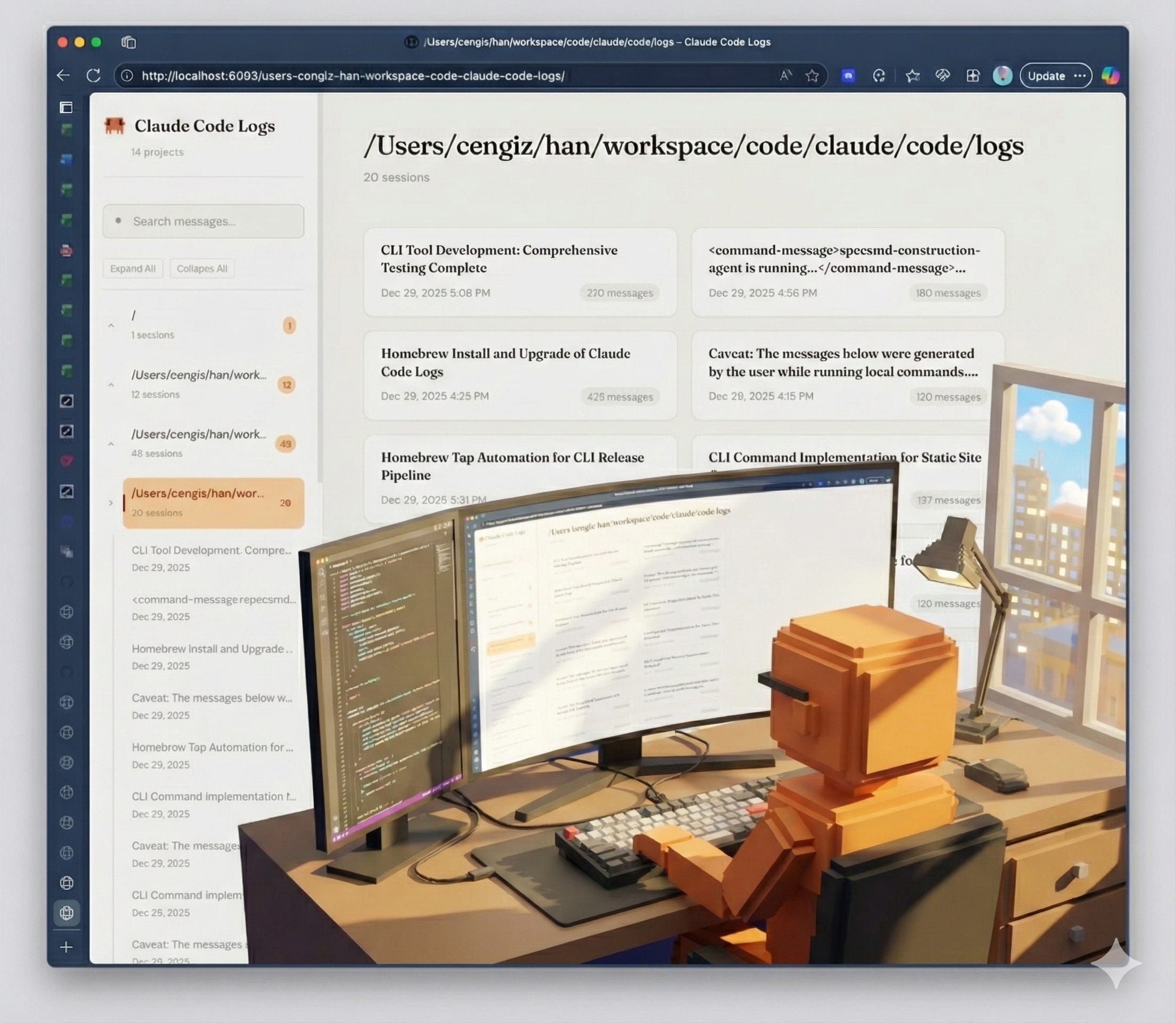
The Problem
Claude Code stores every conversation as JSONL files in ~/.claude/projects/. Great for persistence, terrible for humans. You can’t browse them. You can’t search them. That brilliant regex Claude wrote for you? Gone into the void.
The Solution
claude-code-logs is a single-binary CLI that:
Discovers all your Claude Code projects automatically
Generates beautiful HTML pages that mirror Claude.ai‘s own aesthetic
Serves them locally with full-text search
Watches for new conversations and updates in real-time
The UI uses Claude’s signature warm cream backgrounds, serif fonts for assistant responses, and that familiar orange accent. It feels like home.
Quick Start
# Install via Homebrew
brew tap fabriqaai/tap
brew install claude-code-logs

# Start browsing
claude-code-logs serve

#Open http://localhost:8080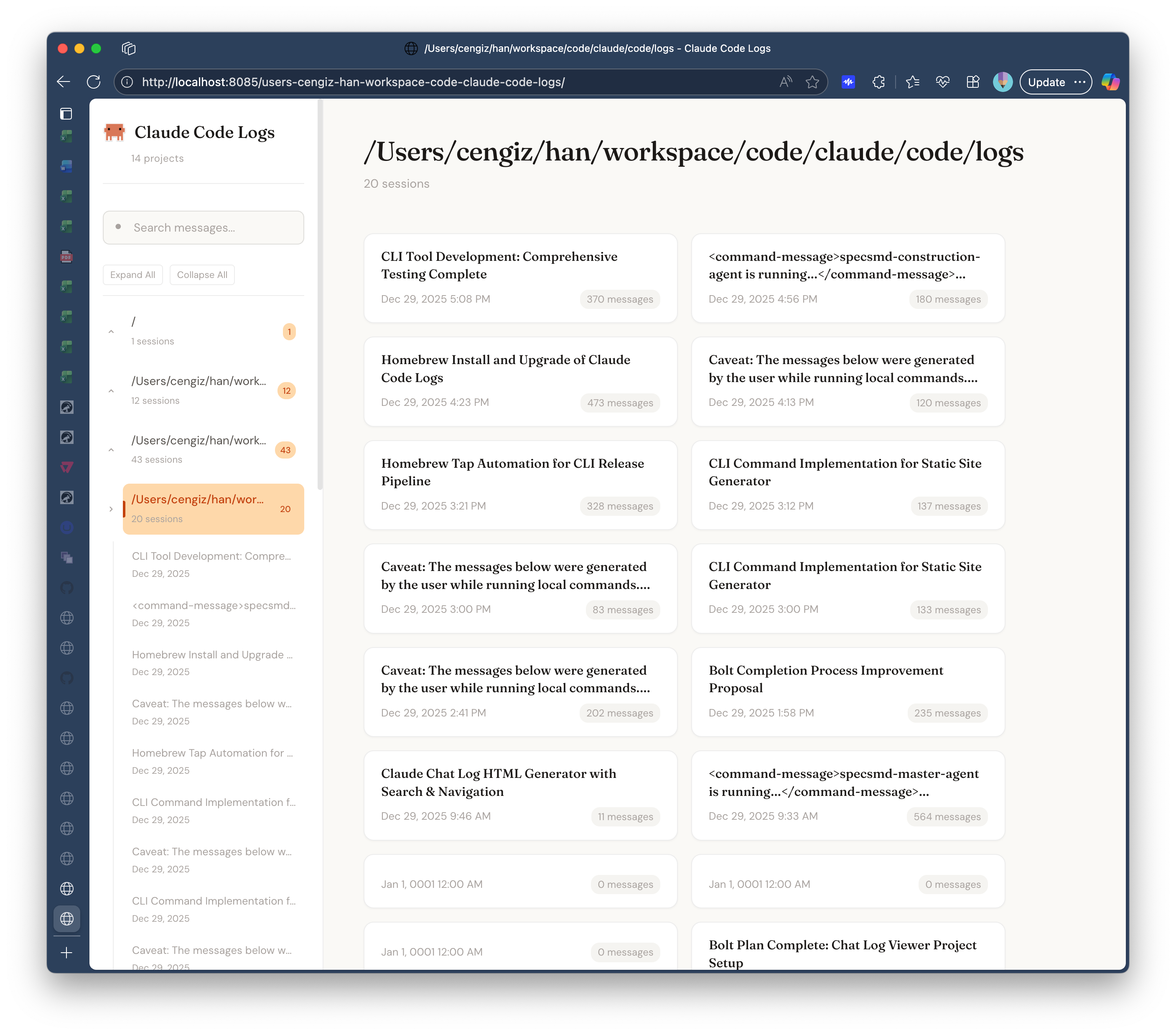
And your entire Claude Code history is now searchable and readable in web format.
Key Features
Project Navigation: The left sidebar lists all your projects. Click to see every conversation.
Full-Text Search: Find that regex, that API call, that deployment script. Search across all sessions or filter by project.
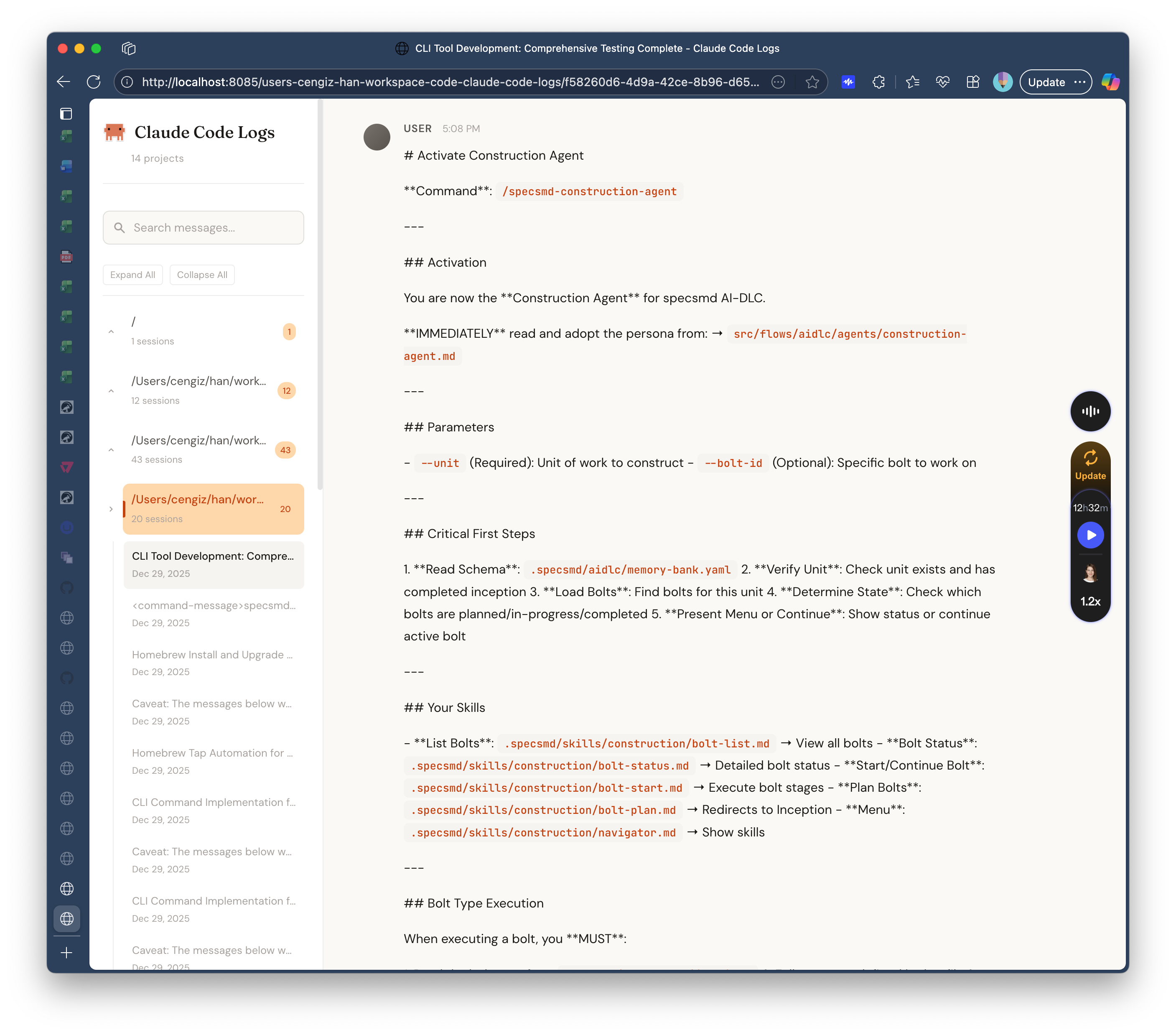
Watch Mode: Run claude-code-logs serve --watch and new conversations appear automatically.
Works Offline: No API calls, no cloud dependencies. Your conversations stay on your machine.
Static Fallback: The generated HTML files work without the server, too. Share them, archive them, whatever you need.
Why Go?
Single binary. No runtime. Cross-platform. Install once, run forever. The whole thing compiles to about 10MB and starts in milliseconds.
100% AI-Generated with specs.md
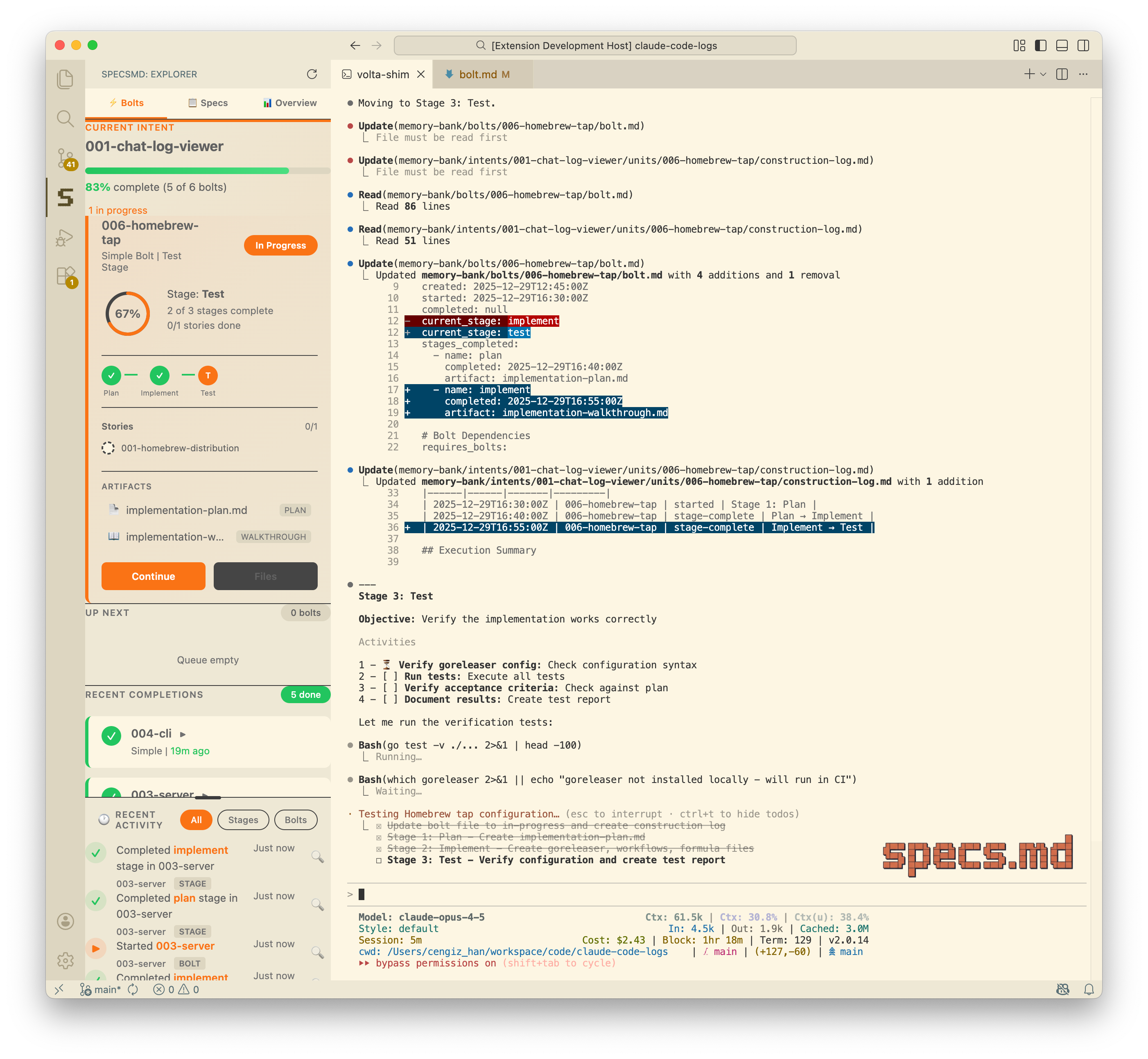
Here’s the interesting part: this entire project was generated using specs.md.
Every feature, every refactoring decision, every future enhancement lives as an “intent” in the project’s memory bank. The tree view sidebar? An intent. The resizable panels? An intent. Simplifying the CLI commands? Also an intent.
The memory-bank/ directory contains the complete specification hierarchy:
Intents define what we’re building and why
Units break intents into deliverable chunks
Stories specify individual features
Bolts capture implementation details
If you’re curious how it works, the GitHub repo is the source code. But the memory-bank/ folder is where the real blueprint lives. It’s a practical example of spec-driven AI development in action.
What’s Next
The code is open source. If you’re a Claude Code user drowning in chat logs, give it a try. If you find bugs or want features, PRs welcome.